Video Grid
描述
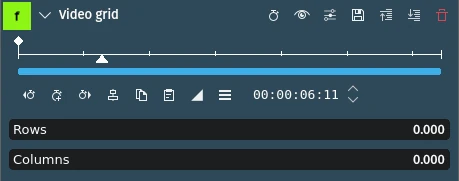
This effect creates a grid of copies of the video footage. You adjust the number of rows and columns in the image with the Rows and Columns parameters. These take decimal fractions from zero to 1. The maximum value of 1 means 20 rows or columns.
參數
參數 |
數值 |
描述 |
|---|---|---|
列 |
浮點數 |
Number of rows in the image grid. Input range 0 - 1 is interpreted as range 1 - 20. |
欄位 |
浮點數 |
Number of columns in the image grid. Input range 0 - 1 is interpreted as range 1 - 20. |
- 公式:
Number of rows/columns = (p X 19) + 1[where p = the value of the row or column parameter]
範例
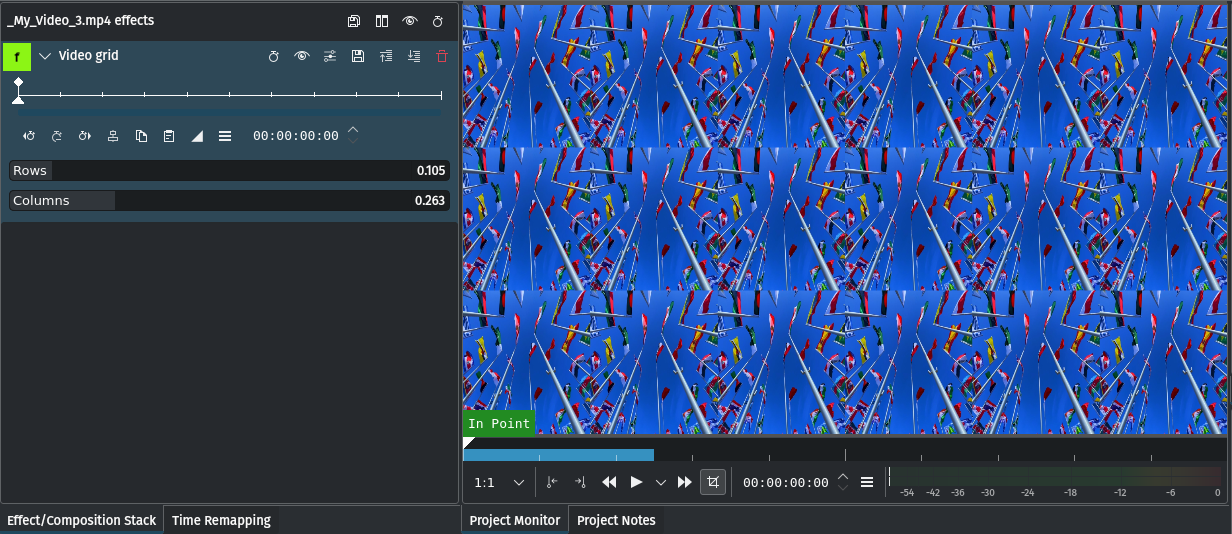
Video Grid effect with 3 rows and 6 columns
- In this example:
rows = 0.105 ⇒ means (0.1 X 19) + 1 = 3 rows
columns = 0.263 ⇒ means (0.263 X 19) + 1 = 6 columns
In order to calculate the fractional value for Rows and Columns for a specific number of rows and/or columns use this formula:
Rows/Columns = (#_of_rows/columns - 1) * 0.05263
- In this example:
#_of_rows = 3 ⇒ means (3 - 1) * 0.05263 = 0.105
#_of_columns = 6 ⇒ means (6 -1) * 0.05263 = 0.263