形狀透明
描述
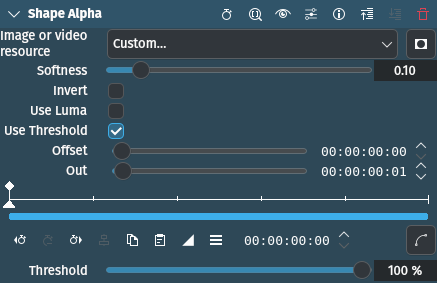
This effect creates an alpha channel (transparency) based on a file (e.g. PNG with alpha, PGM with luma information).
參數
參數 |
數值 |
描述 |
|---|---|---|
圖片或視訊資源 |
選擇檔案 |
Select the file (image or video) to be used as the mask |
柔和度 |
浮點數 |
When using Threshold determines how soft to make the edge around the threshold. Similar to feathering. 0.0 means no softness (hard edge), 1.0 means very soft (default is 0.10). |
反轉 |
開關 |
Invert the alpha channel |
使用 luma |
開關 |
Use the Luma information instead of the alpha channel |
使用閥值 |
開關 |
Use the Threshold value |
Offset |
時間碼 |
Start position of the mask file |
Out |
時間碼 |
End position of the mask file |
閾值 |
百分比 |
Sets the threshold for making opaqueness and transparency. Values below the value are made opaque, values above transparent. |
備註
You can use a static image file or a video for animated masks
範例
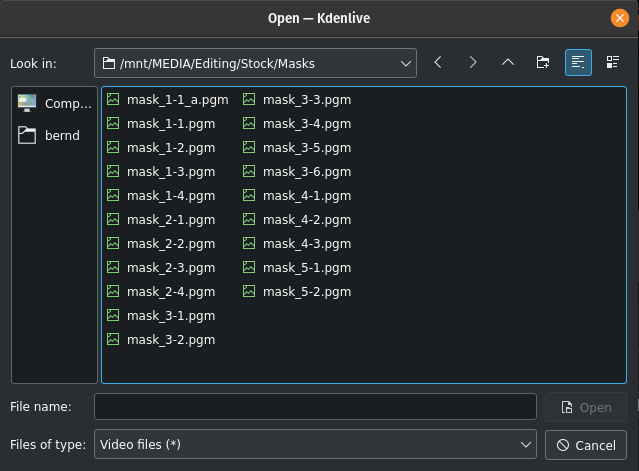
Shape Alpha selecting the resource
Select the file you want to use for the mask
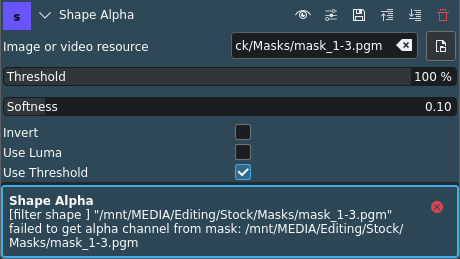
Shape Alpha error message in case no alpha
If the selected image or video file does not have an alpha channel, Kdenlive displays this warning message
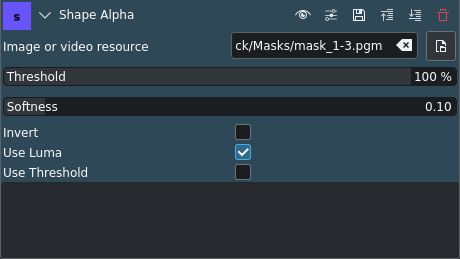
Shape Alpha using Luma information
Instead of the alpha channel you can use the Luma information in the file
This is an example for how the Shape Alpha effect looks like when using a PGM image file with Luma:
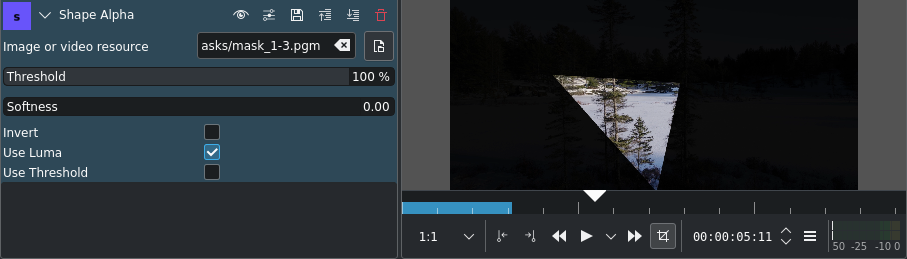
Shape Alpha effect applied