Markers Settings
In this tab you define project-specific categories and colors for markers and timeline markers.
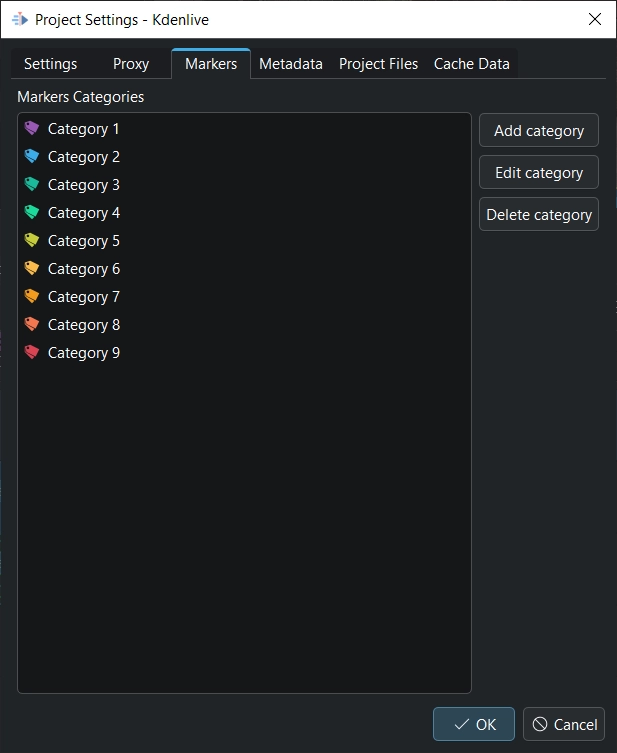
The Project Settings Markers dialog window
Add category: Adds a category
Edit category: Edits the currently selected category
Delete category: Deletes the currently selected category
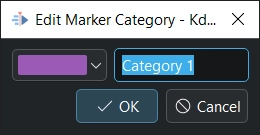
The category add/edit dialog window
Click on the color button to select a color for the category.
Enter a name for the category.