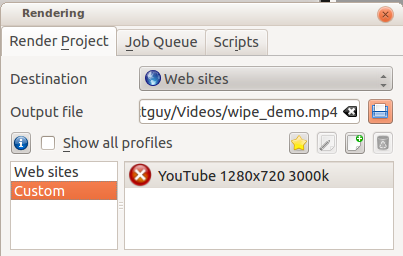
Om man vill dela en återgivningsprofil kan man göra det på KDE:s butiksida. Man måste skapa en inloggning, sedan kan man ladda upp en egen fil med återgivningsprofiler, som finns på Linux lagrad i .local/share/kdenlive/export/customprofiles.xml och på Windows lagrad i %LocalAppData%kdenliveexportcustomprofiles.xml. Filen innehåller alla egna renderingsprofiler så man bör kopiera den och ta bort de man inte vill exportera.
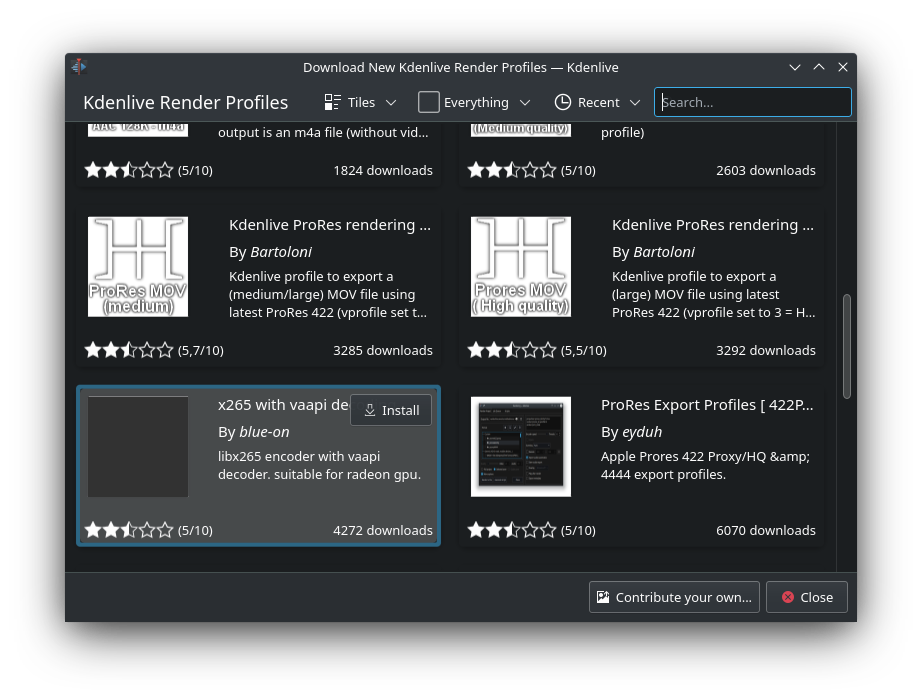
Profiler som skickas in där visas i Ladda ner nya återgivningsprofiler.