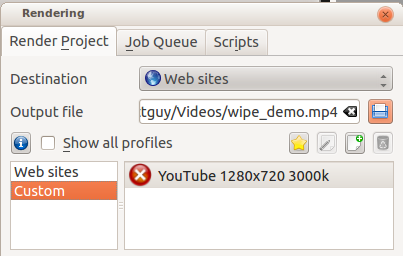
If you want to share a render profile you can do so at the KDE Store page. You need to create a login, then you can upload your custom rendering profile file, which is on Linux stored in .local/share/kdenlive/export/customprofiles.xml and on Windows stored in %LocalAppData%kdenliveexportcustomprofiles.xml. The file contains all your custom rendering profiles so you should copy it and remove the ones you don’t want to export.
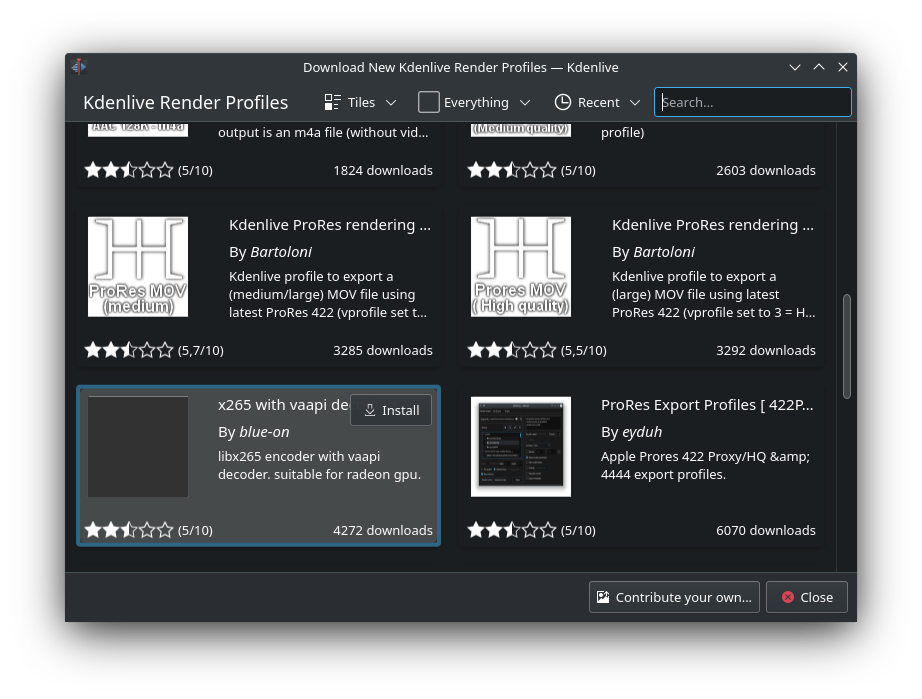
Profiles submitted there appear in the Download New Render Profiles.